
Five themes to start from, and Liquid when you want one of your own.
Every Novinzo store is drawn by a theme. Novinzo publishes five, a new store starts on the starter, and the store's owner can move to another under Settings, then Theme. The products, orders and policies are the same in every one.
There is no visual builder. A theme is changed through its settings, or by editing its Liquid code and deploying it from GitHub.
Checked
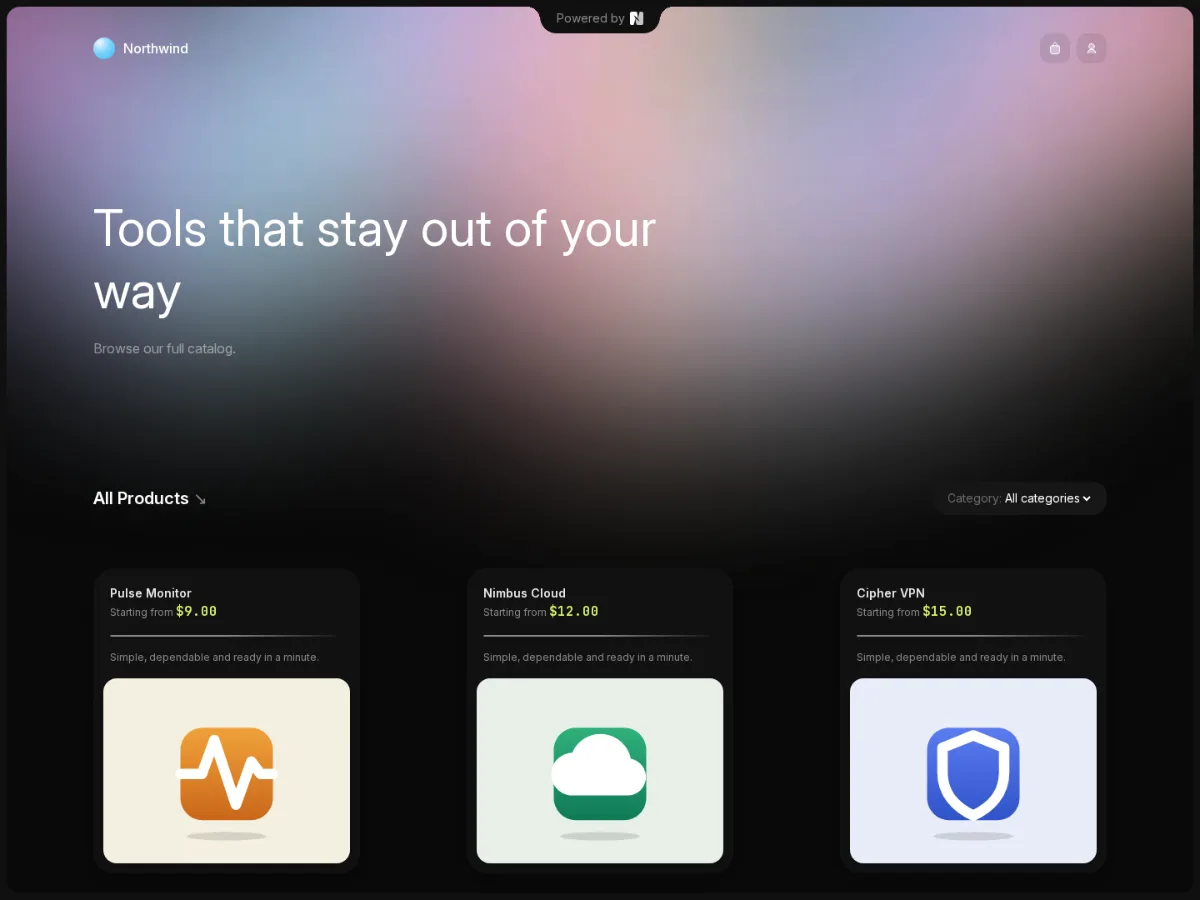
Starter
A dark, minimal theme, and the one to copy when you write your own.
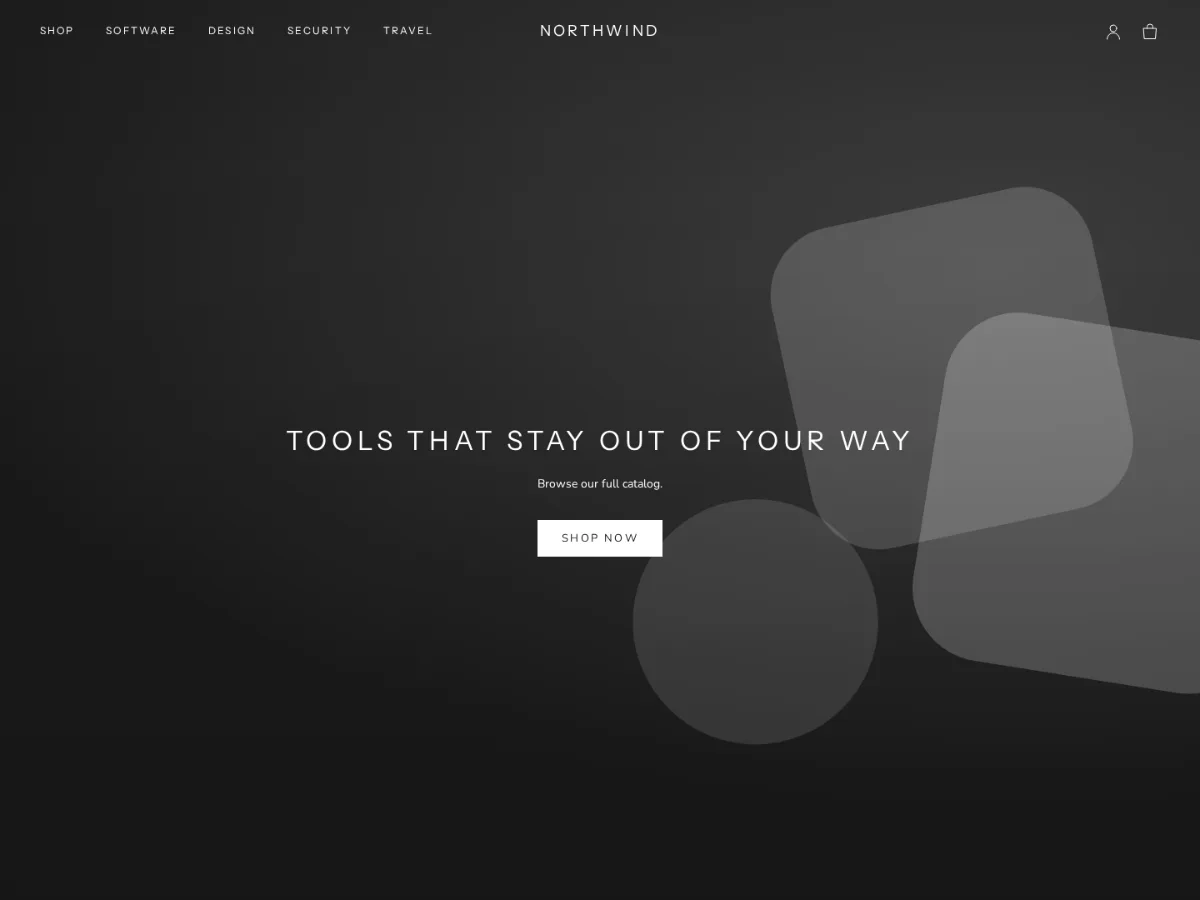
Atelier
Wide-tracked capitals on warm grey, square corners and a hero as tall as the window: a quiet, editorial theme that lets the pictures stand on their own.
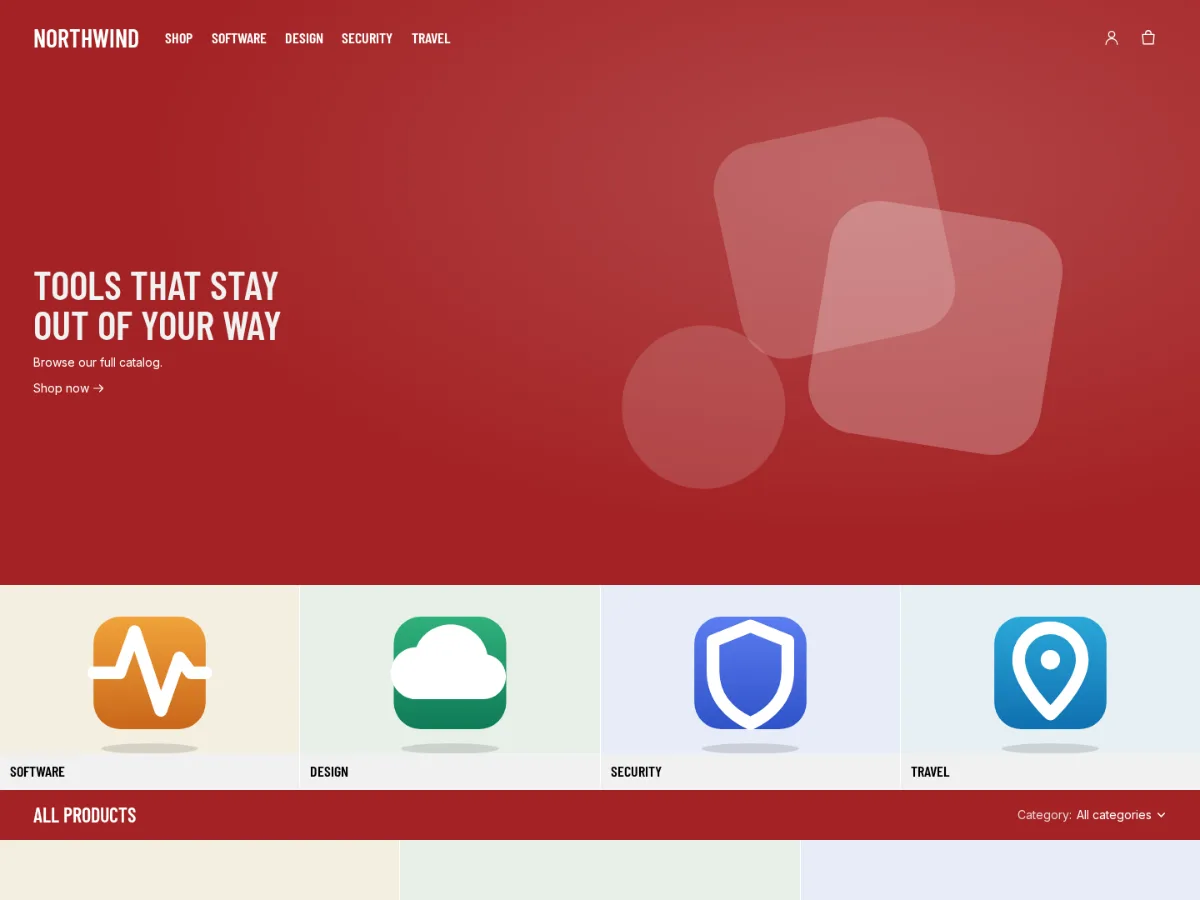
Ember
Bold condensed capitals, one strong accent colour and a product grid that runs edge to edge.
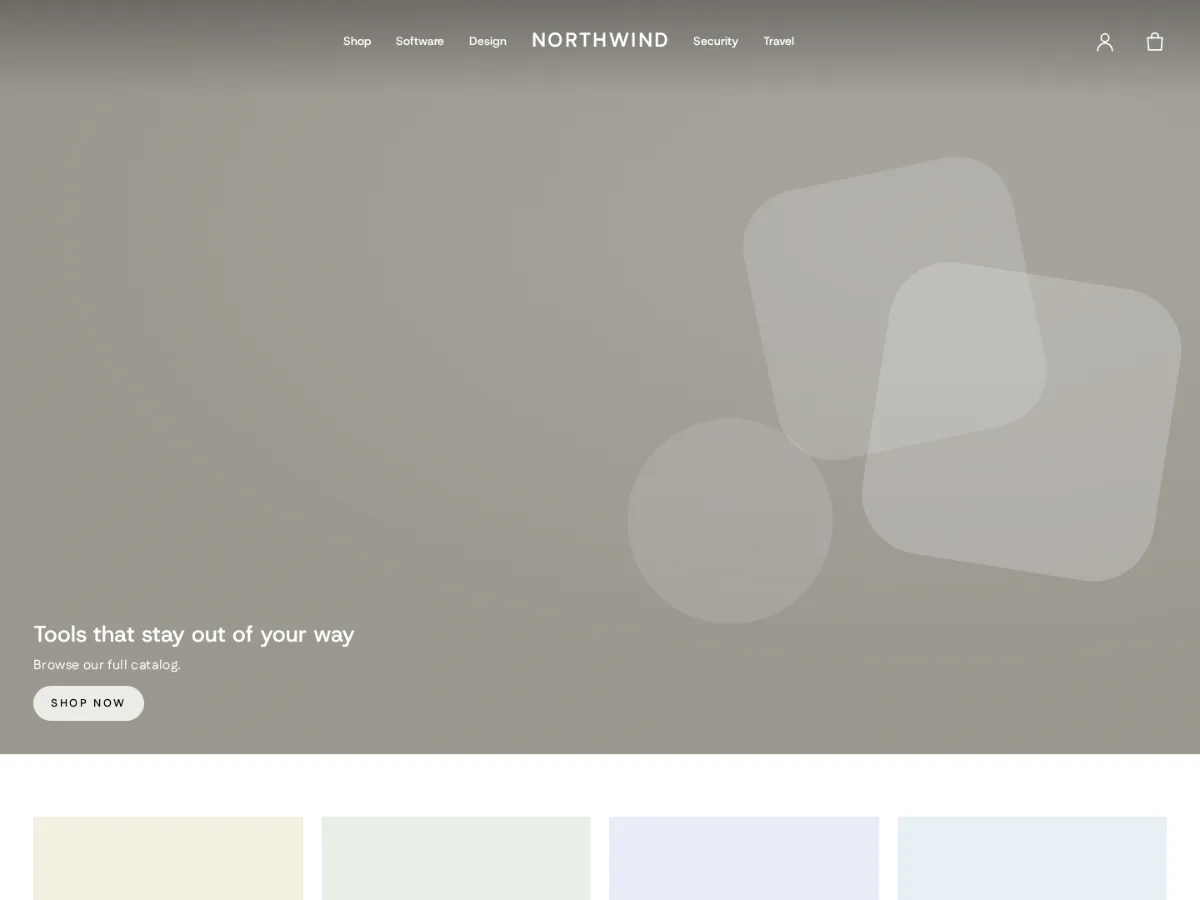
Linen
Soft slate ink on white, pill buttons and tall portrait pictures: a calm theme for stores that sell with photographs.
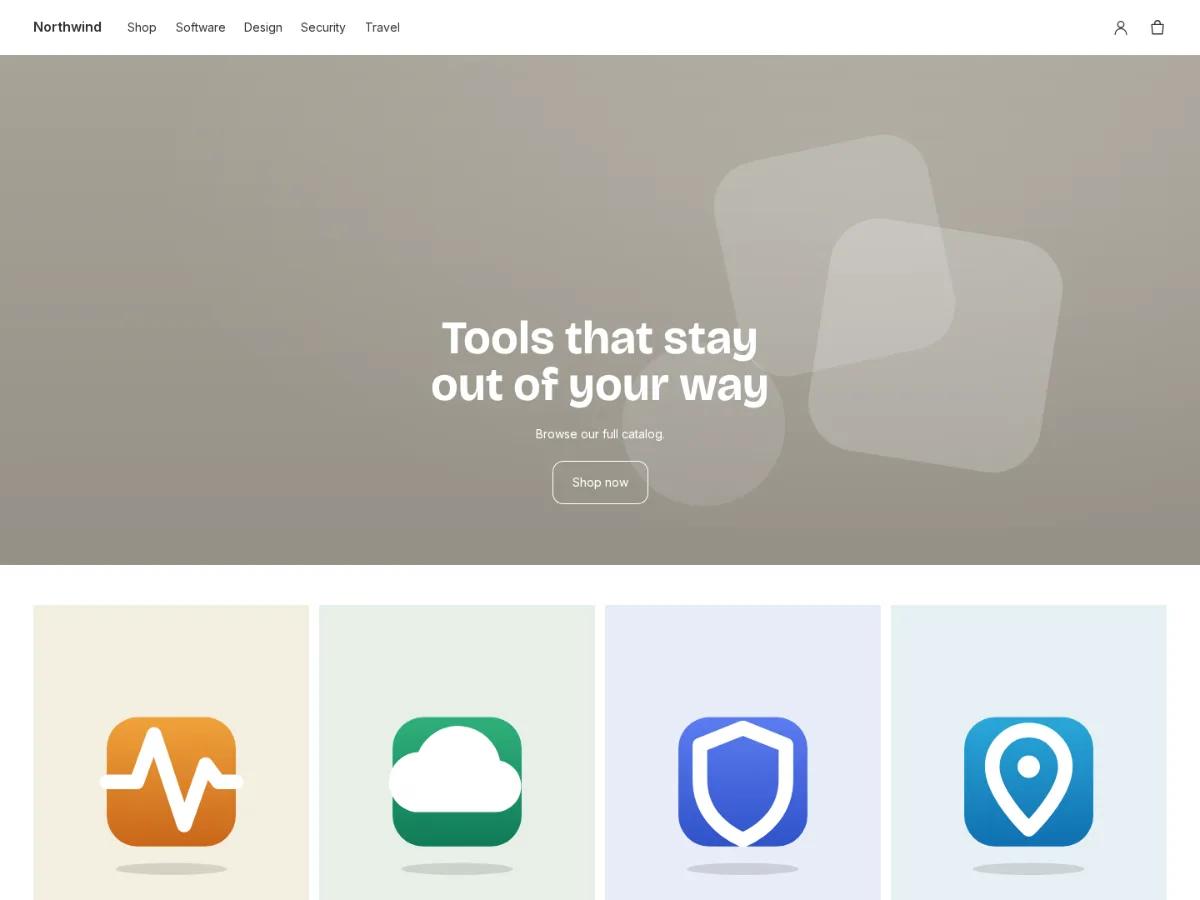
Meridian
Black, white and your pictures: a quiet theme with rounded buttons and room for a large catalog.
Changing how a store looks
Pick a theme
Under Settings, then Theme, the Themes card shows each theme with a picture of its home page and marks the one in use. Only the store's owner picks one. Buyers see the change within minutes.
Look before you switch
Preview opens your own storefront in another theme, with your products, for a week. Only a browser that opens the preview link sees it, so buyers see no change.
Change its settings
Each theme has settings you change without code, such as its accent colour and the home page's heading and text. They are kept per theme, so moving back to a theme finds your values again.
Or bring a theme of your own
Make a repository from the starter template, link it to the store, and each push to its branch deploys the theme. The first deploy waits for the owner's approval in the dashboard. How to change your theme.
What a theme does and does not decide
- Checkout works the same in every theme
- Sign-in, checkout and order pages behave the same whichever theme draws them. The starter shows them in Novinzo's own look, and the other four give them their own colours, type and shapes.
- Themes are Liquid
- Templates, sections and snippets in Liquid, with a theme.json that declares the settings an owner can change. The theme docs cover the language and the objects a template can read.
- Preview edits before buyers see them
- The theme CLI shows a theme you are editing on your own store, on a preview link, without deploying it. Developing a theme.
- On your own domain
- A store is served at its mynovinzo.com address and at one custom domain. Custom domains.
Questions people ask
- Are the themes free?
- Yes. Novinzo has no paid plan and does not sell themes. All five are available to every store at no charge.
- Can I edit a theme without code?
- You can change the settings a theme declares, such as its accent colour and home page text, in the dashboard. Anything beyond its settings means editing the theme's code. There is no drag-and-drop editor.
- Will changing theme change my products or orders?
- No. A theme decides how the storefront looks. Products, categories, policies and orders are the same in every theme.
- Can I use my own theme?
- Yes. A store can render a theme written for it, deployed from a GitHub repository made from the starter template. While it is live the storefront renders it, and the owner can go back to one of Novinzo's themes at any time.